Before you chooseBuild a TV Worldwide setup around your routine
Start with the screen you use most often. A smart TV or streaming stick usually makes the living room feel familiar, while a phone or tablet is useful for watching elsewhere in the house. Check which player is available in the device’s official app store and whether it accepts the access method listed in your subscription email. If two people will watch at the same time, choose a plan with at least two simultaneous devices. The screen count describes concurrent viewing; it is worth deciding this before comparing durations.
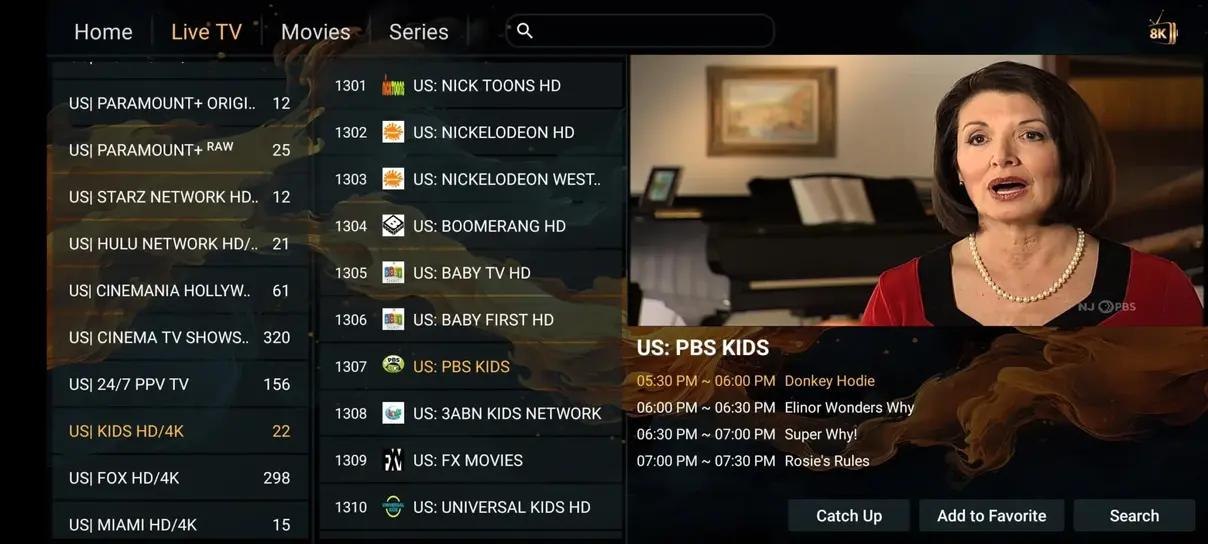
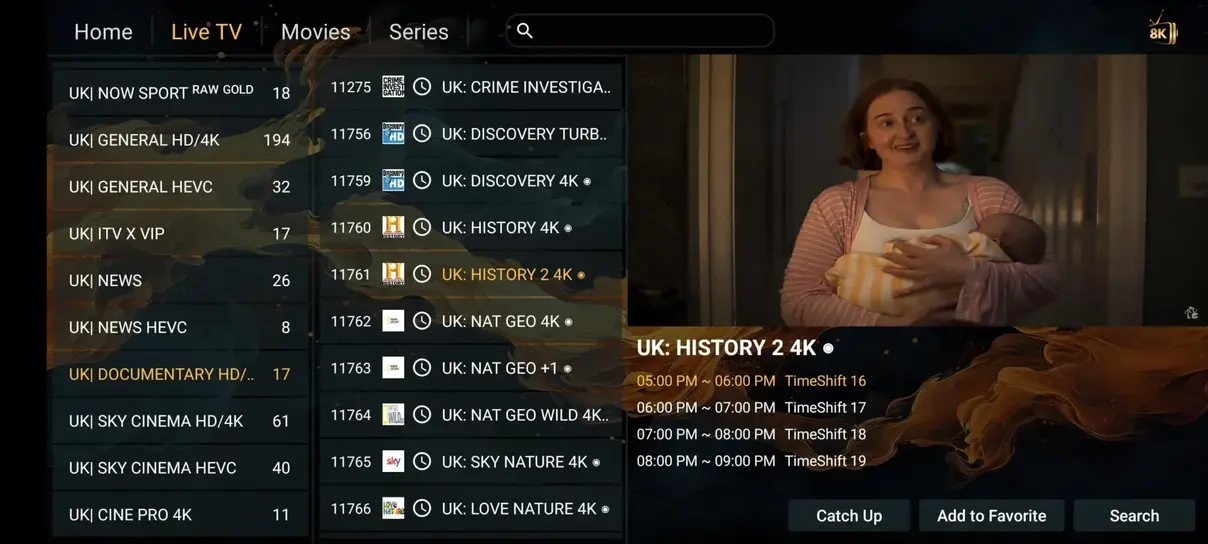
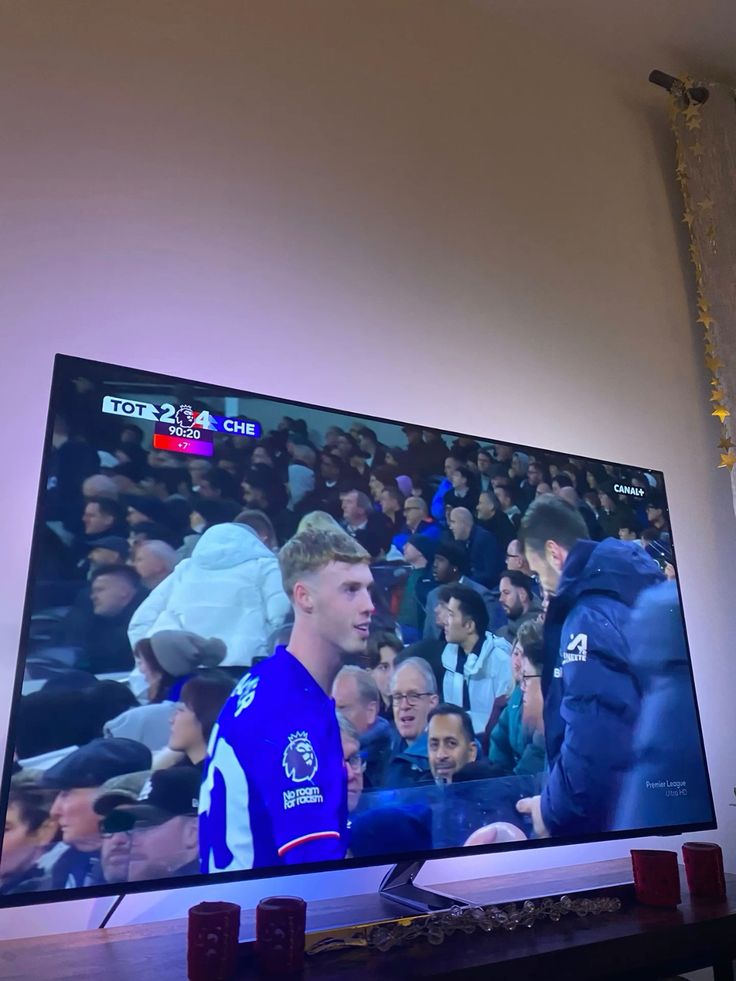
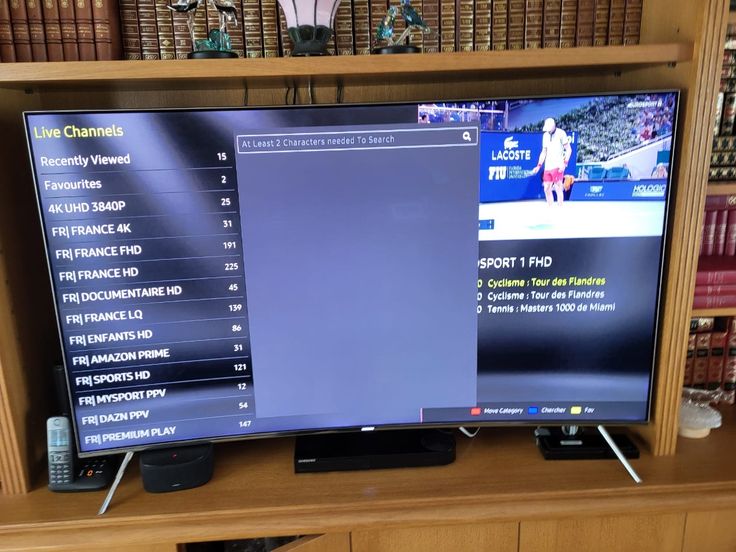
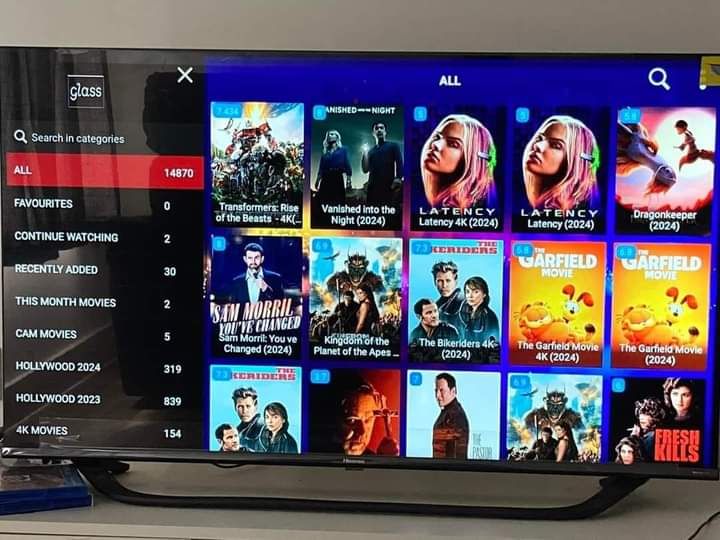
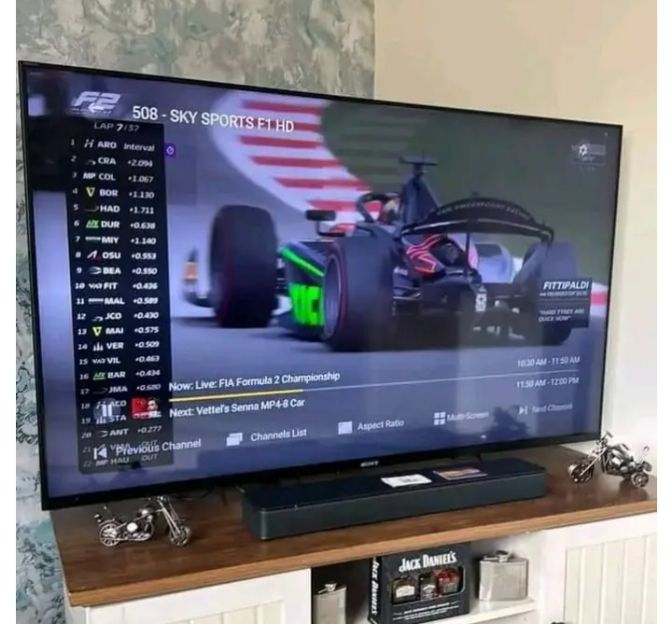
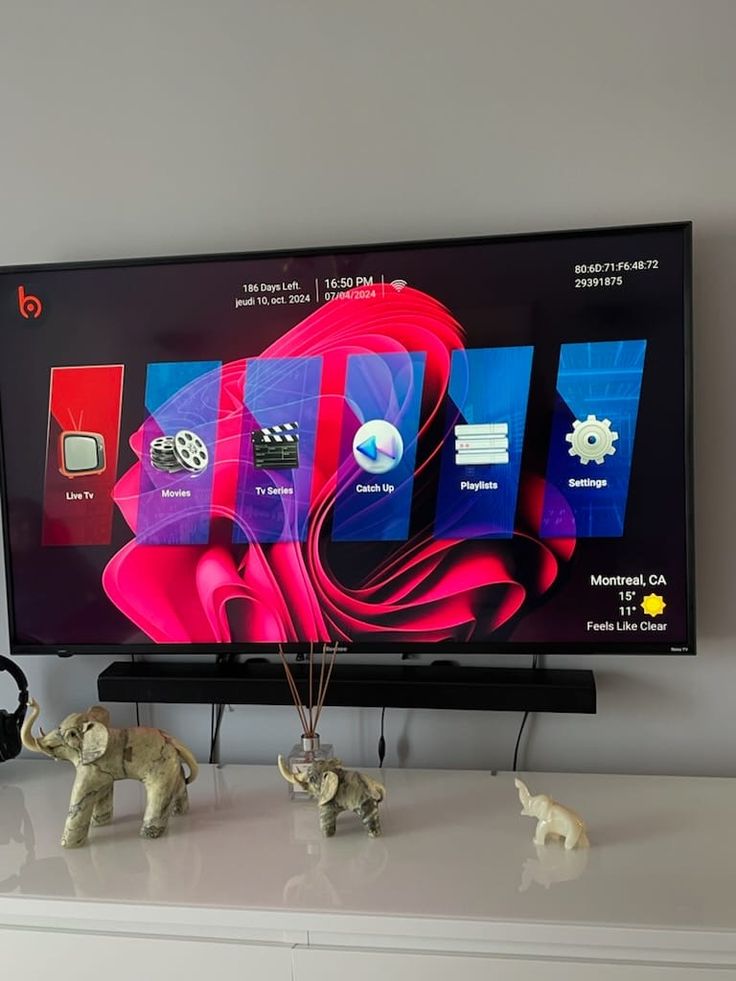
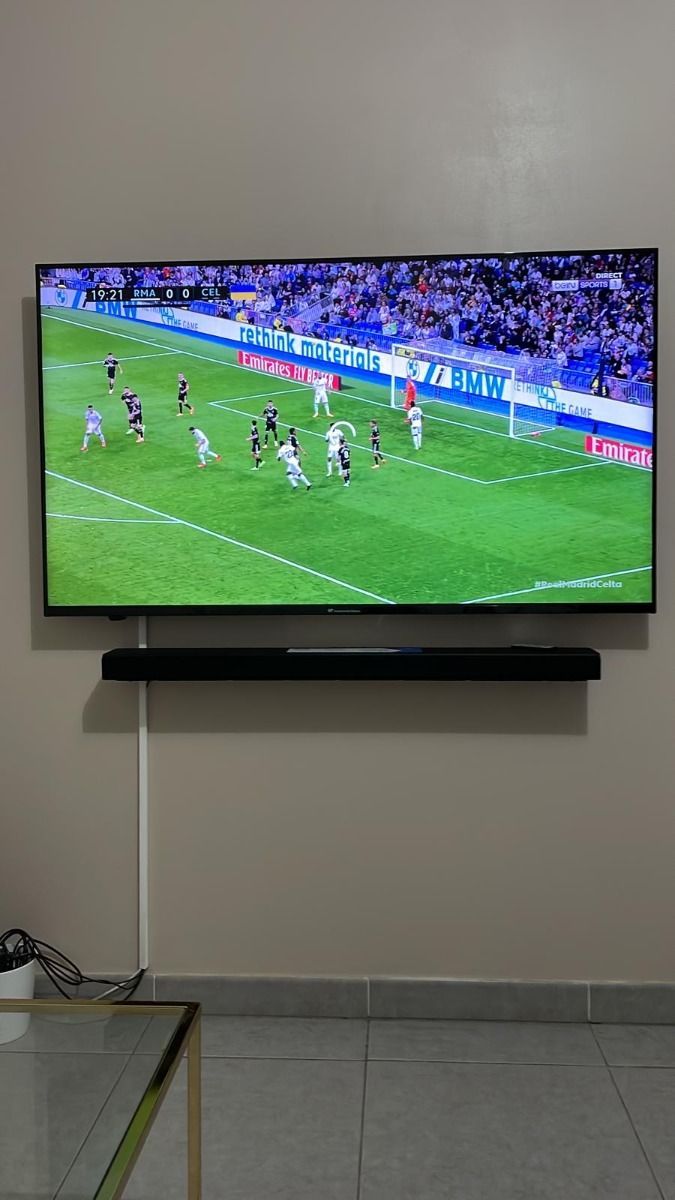
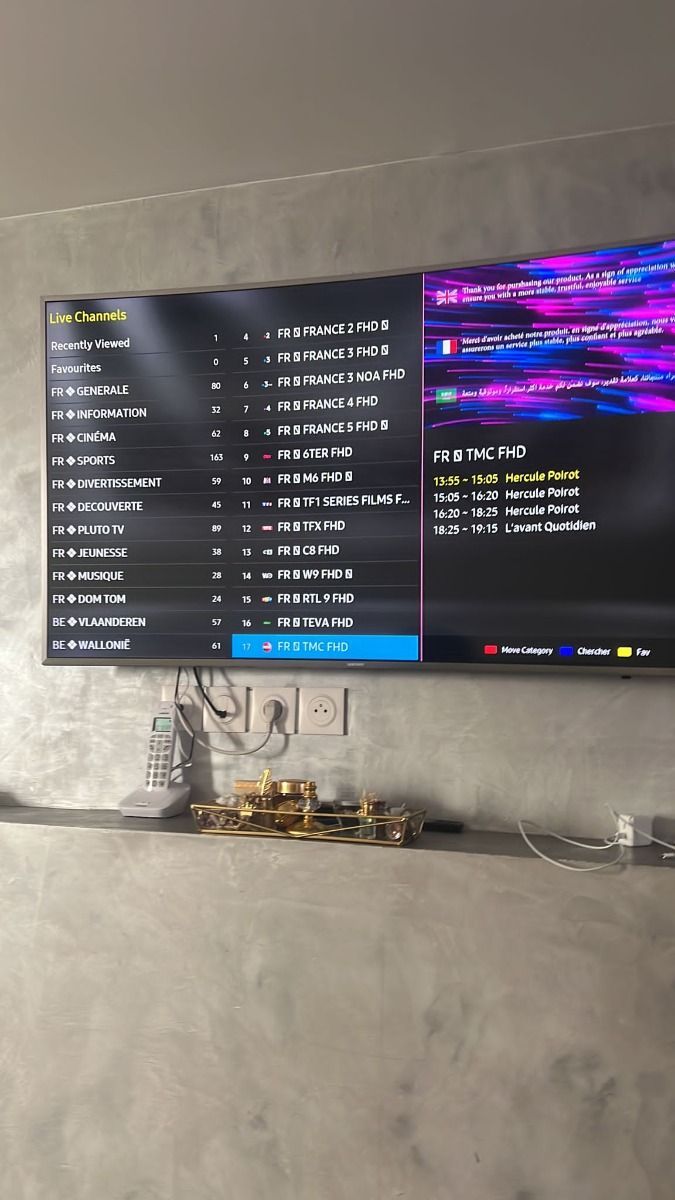
Then think about the programming you actually return to. Some homes prioritize a sports event or a regional news channel. Others spend more time in movie and series categories. Because catalogs can change, ask support about a must-have channel before buying. The preview galleries here show the style of the experience, while the installation guide explains how to load a playlist on common devices. A compatible player and a stable internet connection are as important as the plan itself for a smooth evening.
Finally, compare complete totals instead of judging a plan by its monthly equivalent alone. The pricing selector shows each fixed total, an equivalent per month and per day, and the difference against renewing the one-month plan repeatedly. Longer subscriptions can reduce the effective cost, but the best duration is the one you are comfortable with. The annual option includes an extra month at its listed price. If you want to test your own player and network first, begin with the flexible one-month option and move to a longer plan later.